重量单位
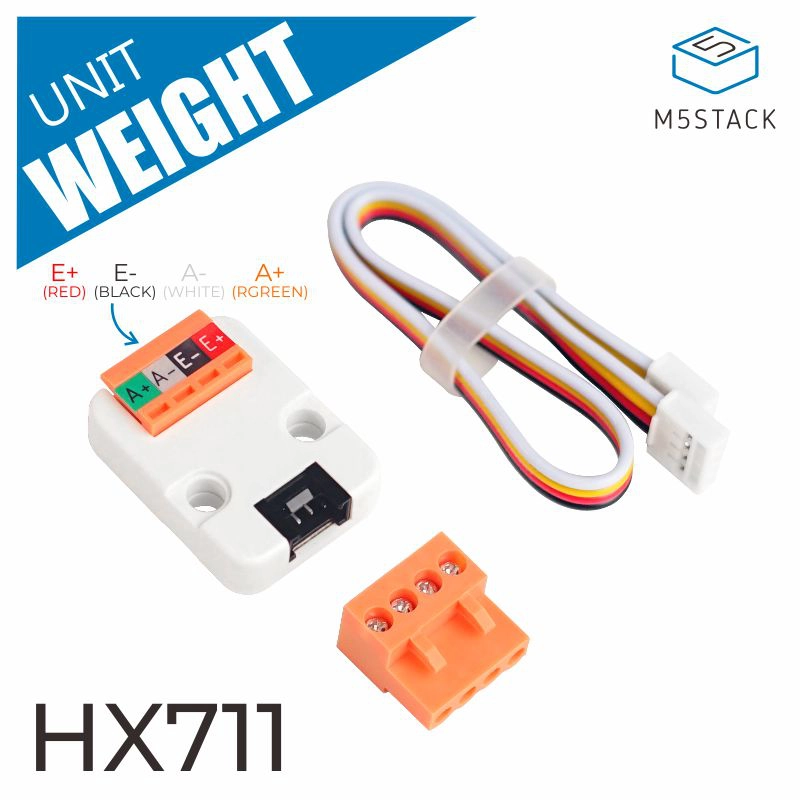
重量单位集成了 HX711 24 位 A/D 芯片,该芯片专为电子称重设备设计。
支持以下产品:
MicroPython 应用示例
 1# SPDX-FileCopyrightText: 2024 M5Stack Technology CO LTD
 2#
 3# SPDX-License-Identifier: MIT
 4
 5import os, sys, io
 6import M5
 7from M5 import *
 8from unit import WeightUnit
 9import time
10
11
12title0 = None
13label0 = None
14weight_0 = None
15
16
17def setup():
18    global title0, label0, weight_0
19
20    M5.begin()
21    Widgets.fillScreen(0x222222)
22    title0 = Widgets.Title(
23        "WeightUnit CoreS3 Example", 3, 0xFFFFFF, 0x0000FF, Widgets.FONTS.DejaVu18
24    )
25    label0 = Widgets.Label(
26        "weight value:", 4, 113, 1.0, 0xFFFFFF, 0x222222, Widgets.FONTS.DejaVu18
27    )
28
29    weight_0 = WeightUnit(port=(8, 9))
30    weight_0.set_tare()
31
32
33def loop():
34    global title0, label0, weight_0
35    M5.update()
36    label0.setText(str((str("weight value:") + str((weight_0.get_scale_weight)))))
37    time.sleep_ms(100)
38
39
40if __name__ == "__main__":
41    try:
42        setup()
43        while True:
44            loop()
45    except (Exception, KeyboardInterrupt) as e:
46        try:
47            from utility import print_error_msg
48
49            print_error_msg(e)
50        except ImportError:
51            print("please update to latest firmware")
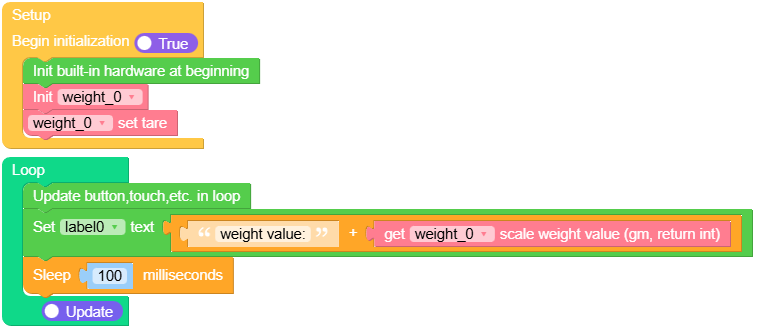
UiFlow2 应用示例
class WEIGHTUnit
Constructors
- class WEIGHTUnit(port)
使用指定的端口引脚初始化 WEIGHTUnit。
- 参数:
port – 一个包含数据引脚和时钟引脚编号的元组。
UiFlow2

Methods
- WEIGHTUnit.get_raw_weight()
从 HX711 读取原始重量值。
UiFlow2

- WEIGHTUnit.get_scale_weight()
根据校准获取缩放后的重量值。
UiFlow2

- WEIGHTUnit.set_tare()
将皮重设置为零,以将秤归零。
UiFlow2

- WEIGHTUnit.set_calibrate_scale(weight)
使用已知重量对秤进行校准。
- 参数:
weight – 用于校准的已知重量。
UiFlow2

- WEIGHTUnit.is_ready_wait()
检查 HX711 是否已准备好提供数据。
UiFlow2

