Vibrator HAT
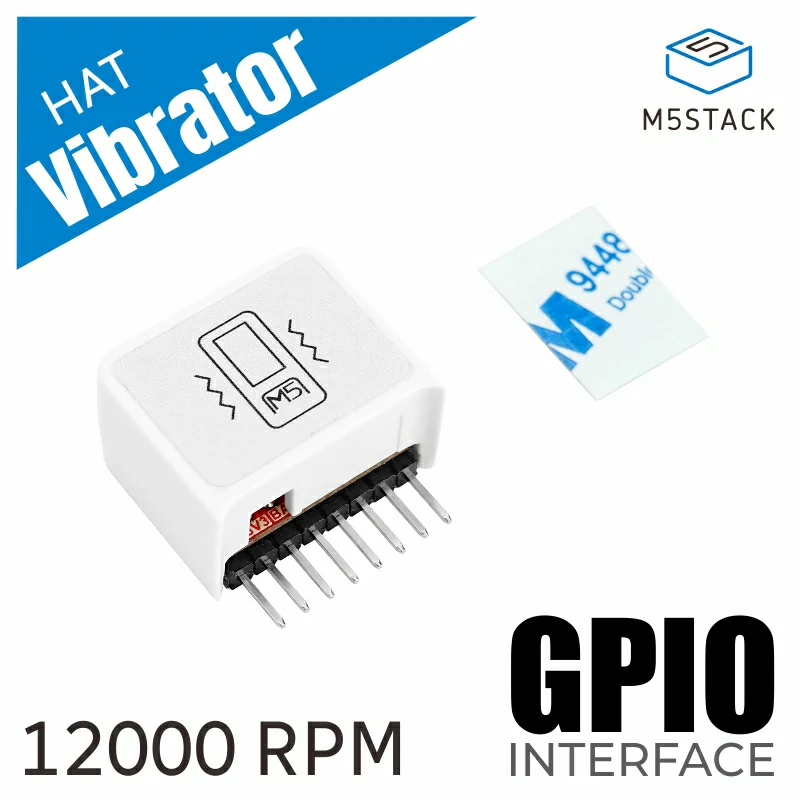
支持以下产品:
MicroPython 应用示例
  1# SPDX-FileCopyrightText: 2024 M5Stack Technology CO LTD
  2#
  3# SPDX-License-Identifier: MIT
  4
  5import os, sys, io
  6import M5
  7from M5 import *
  8from hat import VibratorHat
  9from hardware import *
 10
 11
 12title0 = None
 13freq_label = None
 14duty_label = None
 15label0 = None
 16label1 = None
 17label2 = None
 18line0 = None
 19line1 = None
 20line2 = None
 21hat_vibrator_0 = None
 22
 23
 24import math
 25
 26width = None
 27duty_w = None
 28duty = None
 29freq = None
 30
 31
 32# Describe this function...
 33def draw_pwm():
 34    global \
 35        width, \
 36        duty_w, \
 37        duty, \
 38        freq, \
 39        title0, \
 40        freq_label, \
 41        duty_label, \
 42        label0, \
 43        label1, \
 44        label2, \
 45        line0, \
 46        line1, \
 47        line2, \
 48        hat_vibrator_0
 49    if duty == 0:
 50        width = 55 - (freq - 10)
 51        print(width)
 52        line0.setPoints(x0=(67 - width), y0=160, x1=67, y1=160)
 53        line2.setPoints(x0=67, y0=160, x1=67, y1=160)
 54        line1.setPoints(x0=67, y0=160, x1=(67 + width), y1=160)
 55    else:
 56        width = 55 - (freq - 10)
 57        duty_w = math.ceil((width + width) * (duty / 100))
 58        line0.setPoints(x0=12, y0=130, x1=(12 + duty_w), y1=130)
 59        line2.setPoints(x0=(12 + duty_w), y0=130, x1=(12 + duty_w), y1=160)
 60        line1.setPoints(
 61            x0=(12 + duty_w), y0=160, x1=((12 + duty_w) + ((width + width) - duty_w)), y1=160
 62        )
 63
 64
 65def setup():
 66    global \
 67        title0, \
 68        freq_label, \
 69        duty_label, \
 70        label0, \
 71        label1, \
 72        label2, \
 73        line0, \
 74        line1, \
 75        line2, \
 76        hat_vibrator_0, \
 77        width, \
 78        duty_w, \
 79        duty, \
 80        freq
 81
 82    M5.begin()
 83    Widgets.fillScreen(0xFFFFFF)
 84    title0 = Widgets.Title("VIBRATOR", 18, 0xFFFFFF, 0xF5A41D, Widgets.FONTS.DejaVu18)
 85    freq_label = Widgets.Label("Freq: 00", 2, 32, 1.0, 0xF5A41D, 0xFFFFFF, Widgets.FONTS.DejaVu18)
 86    duty_label = Widgets.Label("Duty: 00", 2, 64, 1.0, 0xF5A41D, 0xFFFFFF, Widgets.FONTS.DejaVu18)
 87    label0 = Widgets.Label(
 88        "Long Press Turn OFF", 18, 192, 1.0, 0xF5A41D, 0xFFFFFF, Widgets.FONTS.DejaVu9
 89    )
 90    label1 = Widgets.Label("Duty", 84, 100, 1.0, 0xF5A41D, 0xFFFFFF, Widgets.FONTS.DejaVu18)
 91    label2 = Widgets.Label("Freq", 47, 213, 1.0, 0xF5A41D, 0xFFFFFF, Widgets.FONTS.DejaVu18)
 92    line0 = Widgets.Line(12, 130, 67, 130, 0xF5A41D)
 93    line1 = Widgets.Line(67, 160, 122, 160, 0xF5A41D)
 94    line2 = Widgets.Line(67, 130, 67, 160, 0xF5A41D)
 95
 96    hat_vibrator_0 = VibratorHat(port=(26, 0))
 97    freq = 10
 98    duty = 0
 99    freq_label.setText(str((str("Freq: ") + str(freq))))
100    duty_label.setText(str((str("Duty: ") + str(duty))))
101    draw_pwm()
102    hat_vibrator_0.once(freq=10, duty=50, duration=50)
103
104
105def loop():
106    global \
107        title0, \
108        freq_label, \
109        duty_label, \
110        label0, \
111        label1, \
112        label2, \
113        line0, \
114        line1, \
115        line2, \
116        hat_vibrator_0, \
117        width, \
118        duty_w, \
119        duty, \
120        freq
121    M5.update()
122    if BtnA.wasClicked():
123        freq = freq + 1
124        if freq > 55:
125            freq = 10
126        freq_label.setText(str((str("Freq: ") + str(freq))))
127        draw_pwm()
128        hat_vibrator_0.set_freq(freq)
129    if BtnB.wasClicked():
130        duty = duty + 1
131        duty = duty % 100
132        duty_label.setText(str((str("Duty: ") + str(duty))))
133        draw_pwm()
134        hat_vibrator_0.set_duty(duty)
135    if BtnA.isHolding():
136        duty = 0
137        draw_pwm()
138        hat_vibrator_0.turn_off()
139
140
141if __name__ == "__main__":
142    try:
143        setup()
144        while True:
145            loop()
146    except (Exception, KeyboardInterrupt) as e:
147        try:
148            from utility import print_error_msg
149
150            print_error_msg(e)
151        except ImportError:
152            print("please update to latest firmware")
UiFlow2 应用示例
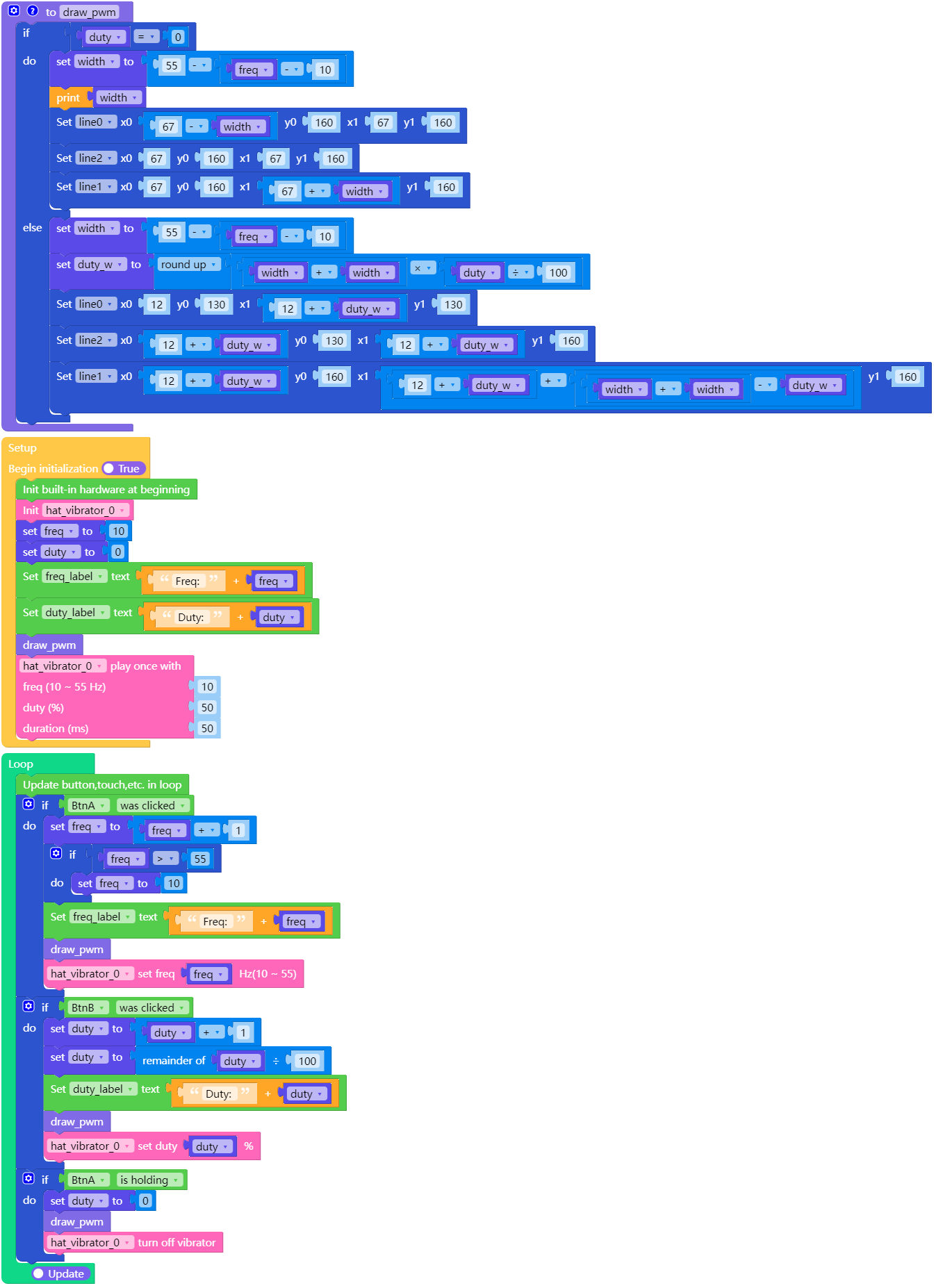
stick_plus2_vibrator_example.m5f2
class VibratorHAT
Constructors
- class VibratorHAT
创建一个 VibratorHAT 对象。
UIFLOW2: