Joystick Hat
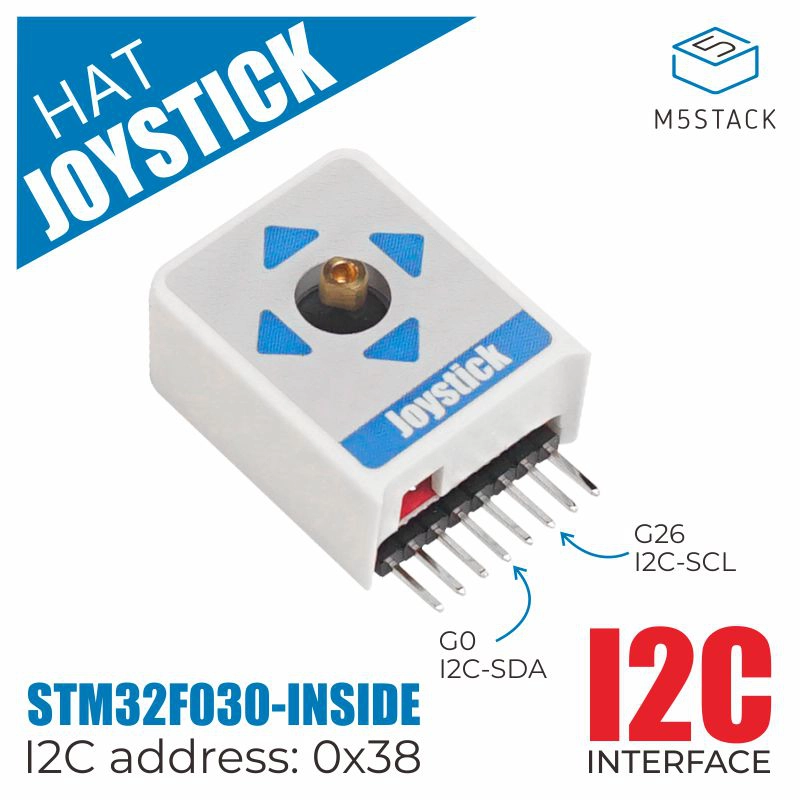
以下产品受支持:
MicroPython 应用示例
  1# SPDX-FileCopyrightText: 2024 M5Stack Technology CO LTD
  2#
  3# SPDX-License-Identifier: MIT
  4
  5import os, sys, io
  6import M5
  7from M5 import *
  8from hardware import *
  9from hat import JoystickHat
 10
 11
 12circle0 = None
 13circle1 = None
 14label0 = None
 15label1 = None
 16label2 = None
 17label3 = None
 18i2c0 = None
 19i2c1 = None
 20hat_joystick_0 = None
 21
 22
 23x = None
 24value = None
 25in_min = None
 26in_max = None
 27out_min = None
 28out_range = None
 29y = None
 30last_x = None
 31last_y = None
 32
 33
 34# Describe this function...
 35def map_to_range(value, in_min, in_max, out_min, out_range):
 36    global \
 37        x, \
 38        y, \
 39        last_x, \
 40        last_y, \
 41        circle0, \
 42        circle1, \
 43        label0, \
 44        label1, \
 45        label2, \
 46        label3, \
 47        i2c0, \
 48        i2c1, \
 49        hat_joystick_0
 50    return int((value - in_min) * out_range / (in_max - in_min) + out_min)
 51
 52
 53def setup():
 54    global \
 55        circle0, \
 56        circle1, \
 57        label0, \
 58        label1, \
 59        label2, \
 60        label3, \
 61        i2c0, \
 62        i2c1, \
 63        hat_joystick_0, \
 64        x, \
 65        out_range, \
 66        out_min, \
 67        y, \
 68        value, \
 69        in_min, \
 70        in_max, \
 71        last_x, \
 72        last_y
 73
 74    M5.begin()
 75    circle0 = Widgets.Circle(67, 120, 50, 0xFFFFFF, 0x000000)
 76    circle1 = Widgets.Circle(67, 120, 4, 0xFFFFFF, 0xFFFFFF)
 77    label0 = Widgets.Label("X:", 6, 185, 1.0, 0x74F707, 0x222222, Widgets.FONTS.DejaVu18)
 78    label1 = Widgets.Label("Y:", 6, 212, 1.0, 0x74F707, 0x222222, Widgets.FONTS.DejaVu18)
 79    label2 = Widgets.Label("0", 25, 185, 1.0, 0x74F707, 0x222222, Widgets.FONTS.DejaVu18)
 80    label3 = Widgets.Label("0", 21, 212, 1.0, 0x74F707, 0x222222, Widgets.FONTS.DejaVu18)
 81
 82    i2c0 = I2C(0, scl=Pin(33), sda=Pin(32), freq=100000)
 83    i2c1 = I2C(1, scl=Pin(26), sda=Pin(0), freq=100000)
 84    hat_joystick_0 = JoystickHat(i2c1, 0x38)
 85    hat_joystick_0.swap_y(True)
 86    last_x = 67
 87    last_y = 120
 88
 89
 90def loop():
 91    global \
 92        circle0, \
 93        circle1, \
 94        label0, \
 95        label1, \
 96        label2, \
 97        label3, \
 98        i2c0, \
 99        i2c1, \
100        hat_joystick_0, \
101        x, \
102        out_range, \
103        out_min, \
104        y, \
105        value, \
106        in_min, \
107        in_max, \
108        last_x, \
109        last_y
110    M5.update()
111    x = last_x + map_to_range(hat_joystick_0.get_x(), -128, 127, -43, 86)
112    y = last_y + map_to_range(hat_joystick_0.get_y(), -128, 127, -43, 86)
113    circle1.setCursor(x=x, y=y)
114    if hat_joystick_0.get_button_status():
115        circle1.setColor(color=0xFF0000, fill_c=0xFF0000)
116    else:
117        circle1.setColor(color=0xFFFFFF, fill_c=0x6600CC)
118    label2.setText(str(hat_joystick_0.get_x()))
119    label3.setText(str(hat_joystick_0.get_y()))
120
121
122if __name__ == "__main__":
123    try:
124        setup()
125        while True:
126            loop()
127    except (Exception, KeyboardInterrupt) as e:
128        try:
129            from utility import print_error_msg
130
131            print_error_msg(e)
132        except ImportError:
133            print("please update to latest firmware")
UiFlow2 应用示例
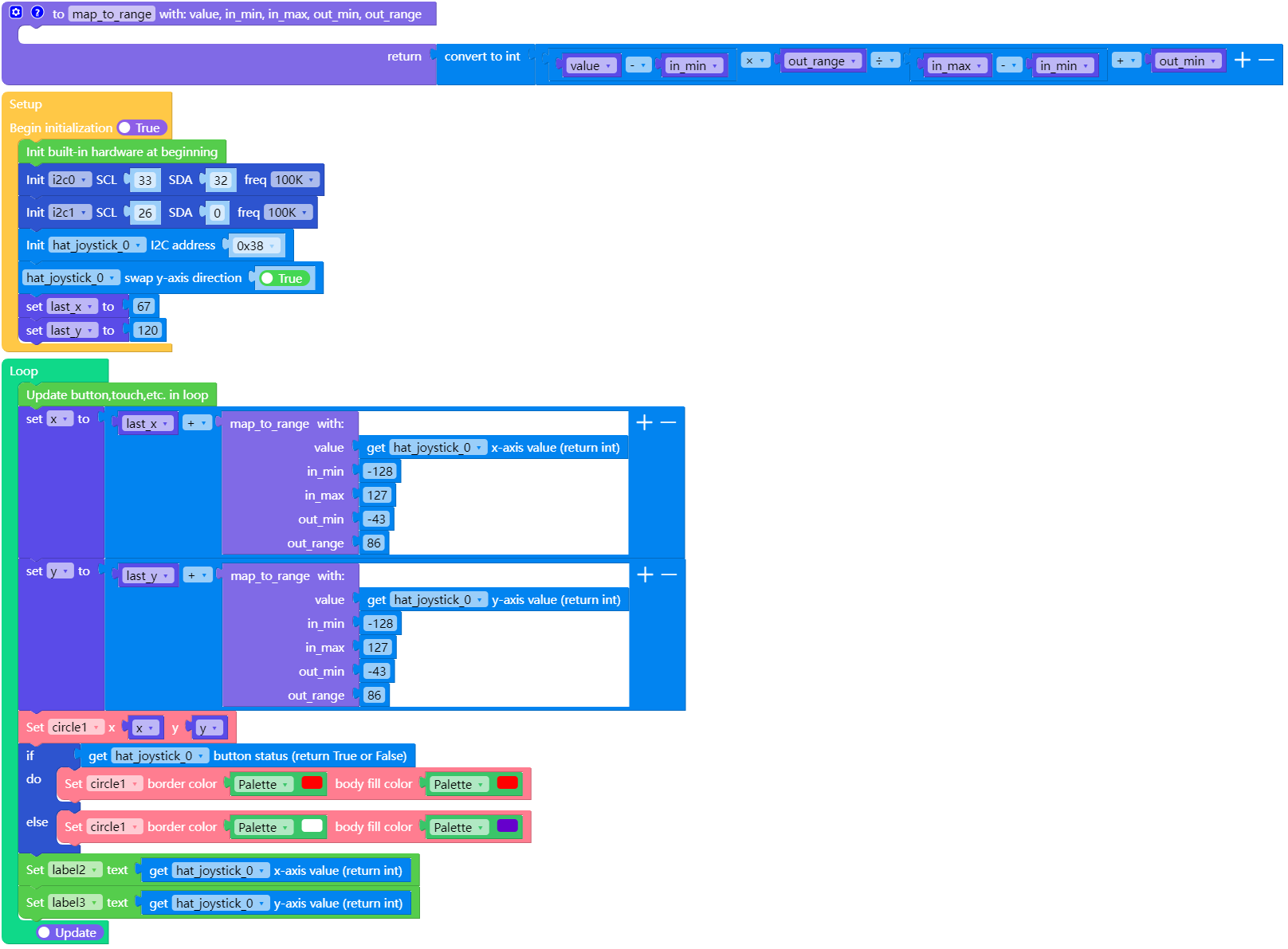
stickc_plus2_joystick_example.m5f2







