Nesso N1
Startup UI
Power on the Nesso N1 by pressing the power button.
Wait for the device to boot up and display the main interface.
Press BtnB to switch apps.
Press BtnA to open the APP.
Double-click BtnA to exit the app.
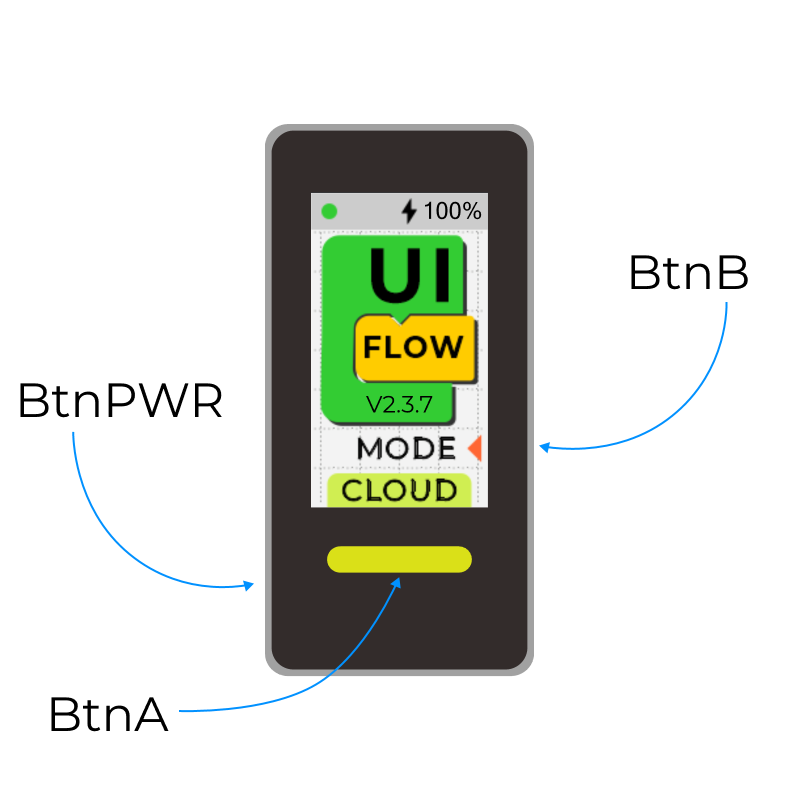
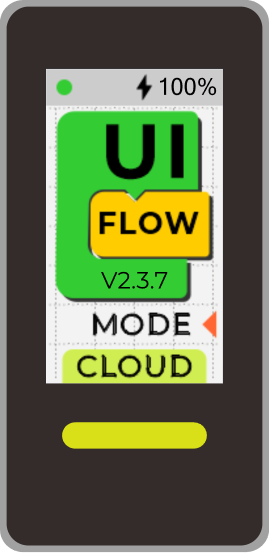
Launcher
Launcher displays the device’s network connection status, charging status, and remaining battery power.
You can switch between different apps via BtnB.
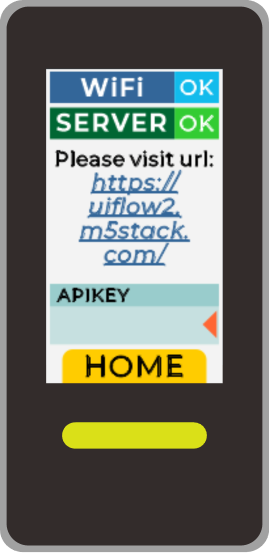
Cloud
You can find more detailed network connection status.
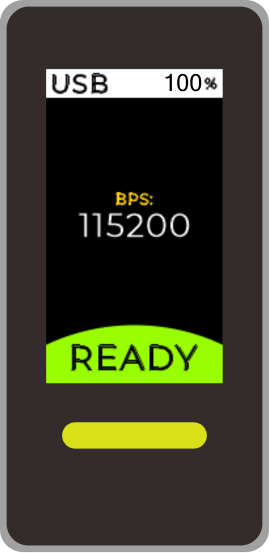
USB
To check the device’s Serial baud rate, it is not currently supported to reset the baud rate.
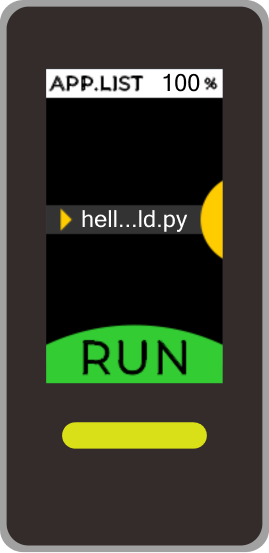
APP.LIST
Select the Python application via BtnA.
Press BtnA to run the selected Python application.
LoRaChat
Coming soon
Setup
Coming soon