KeyUnit
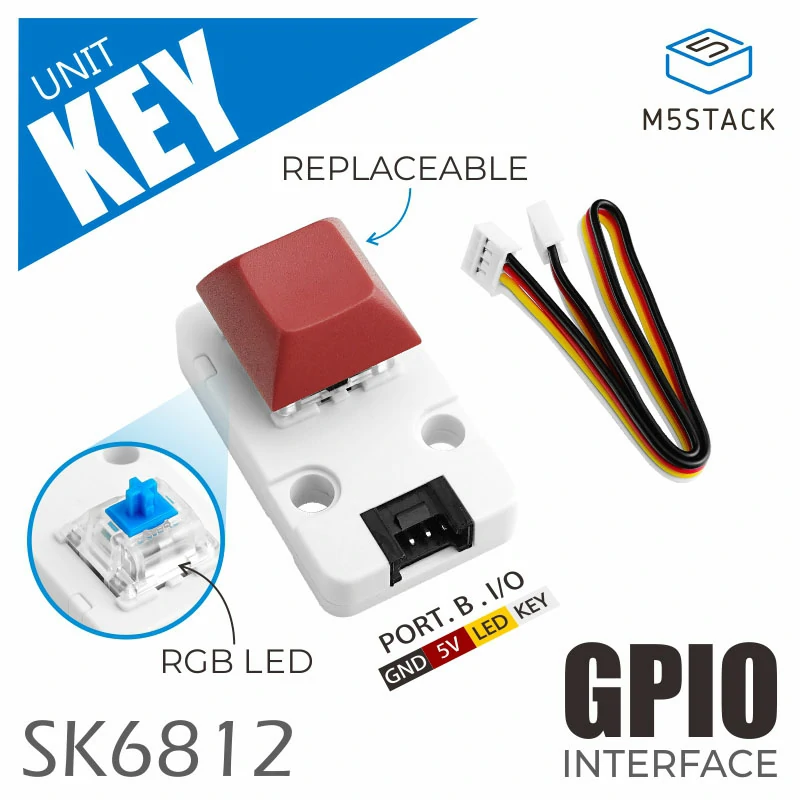
Unit Key is a single mechanical key input unit with built-in RGB LED. The key shaft adopts Blue switch with tactile bump and audible click features. Embedded with one programable RGB LED - SK6812, supports 256 level brightness. Two digital IOs are available for key status and LED control key status and lighting control. Suitable for multiple HMI applications.
Support the following products:
Micropython Example:
import os, sys, io
import M5
from M5 import *
from unit import KeyUnit
key = KeyUnit((33,32)) # for core2
key.set_color(0x00FF00)
key.set_brightness(10)
key.get_key_state()
while True:
    key.tick(None) # update key status
class KeyUnit
Constructors

Methods
- KeyUnit.get_key_state() int
Get the state of the key.
- 返回:
0: released, 1: pressed, 2: long pressed.
UIFLOW2:

- KeyUnit.set_color(color: int) None
Set the color of the LED.
- 参数:
color (int) – The color of the LED.
UIFLOW2:

- KeyUnit.set_brightness(br: int) None
Set the brightness of the LED.
- 参数:
br (int) – The brightness of the LED, range from 0 to 100.
UIFLOW2:

- KeyUnit.isHolding()
Returns whether the Button object is in a long press state.
UIFLOW2:

- KeyUnit.isPressed()
Returns whether the Button object is in a pressed state.
UIFLOW2:
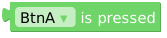
- KeyUnit.isReleased()
Returns whether the Button object is in a released state.
UIFLOW2:
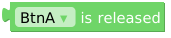
- KeyUnit.wasClicked()
Returns True when the Button object is briefly pressed and released.
UIFLOW2:

- KeyUnit.wasDoubleClicked()
Returns True when the Button object is double-clicked after a certain amount of time.
UIFLOW2:

- KeyUnit.wasHold()
Returns True when the Button object is held down for a certain amount of time.
UIFLOW2:

- KeyUnit.wasPressed()
Returns True when the Button object is pressed.
UIFLOW2:

- KeyUnit.wasReleased()
Returns True when the Button object is released.
UIFLOW2:

- KeyUnit.wasSingleClicked()
Returns True when the Button object is single-clicked after a certain amount of time.
UIFLOW2:

Event Handling
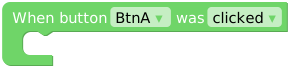
- KeyUnit.setCallback(type: Callback_Type, cb)
Sets the event callback function.
UIFLOW2:
Constants
- KeyUnit.CB_TYPE
A Callback_Type object.
class Callback_Type
Constants
- Callback_Type.WAS_CLICKED
Single click event type.
- Callback_Type.WAS_DOUBLECLICKED
Double click event type.
- Callback_Type.WAS_HOLD
Long press event type.
- Callback_Type.WAS_PRESSED
Press event type
- Callback_Type.WAS_RELEASED
Release event type