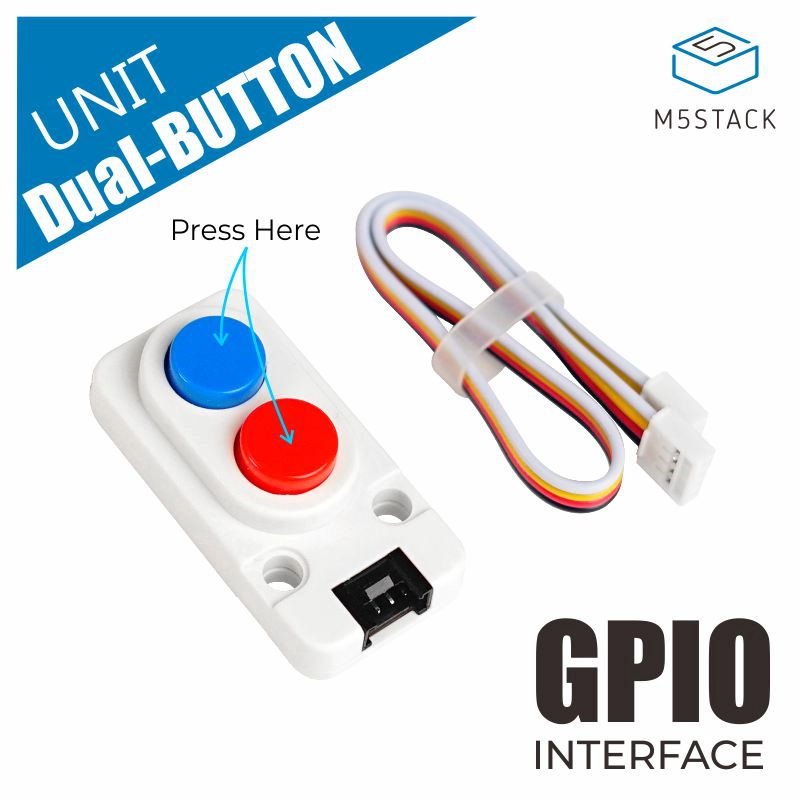
Dual_Button Unit
Support the following products:
Micropython Example:
import os, sys, io
import M5
from M5 import *
from unit import *


dual_button_0_blue = None
dual_button_0_red = None

def setup():
global dual_button_0_blue, dual_button_0_red

dual_button_0_blue, dual_button_0_red = DualButton((36, 26))
M5.begin()
Widgets.fillScreen(0x222222)

print(dual_button_0_blue.isHolding())
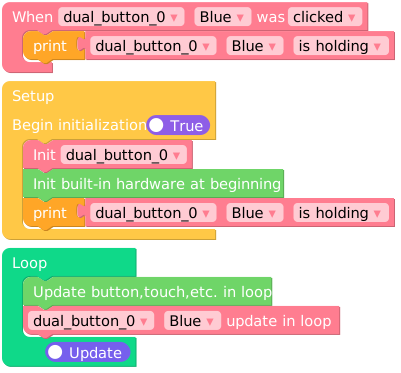
UIFLOW2 Example:
Constructors
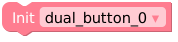
- class DualButton(IO1, IO2)
创建一个DualButton对象.
- 参数是:
IO1,IO2定义两个按键引脚。
UIFLOW2:
Methods
- Dual_Button.isHolding()
获取按键的状态值。
UIFLOW2:

- Dual_Button.setCallback()
当按键按下的时候执行程序。
UIFLOW2:

- Dual_Button.tick()
轮询方法,放在loop函数里面,不断检测按键的状态。
UIFLOW2:
